A slow computer can be frustrating—whether you’re working, gaming, or streaming. While upgrading the internal hardware (like RAM or SSD) is one option, the right computer accessories can also dramatically improve your PC’s performance, speed, and efficiency without breaking the bank.
In this post, we’ll explore some must-have accessories that can help boost your computer’s speed and give you a smoother, faster experience.

⚡ 1. External SSD (Solid-State Drive)
- Why It Helps: Traditional hard drives are slower, while SSDs can transfer data up to 10x faster. An external SSD can be used for quick file transfers, backups, or even running software directly.
- Best For: Professionals handling large files (video editing, design, coding) and gamers who want faster load times.
- Pro Tip: Look for USB 3.1 or USB-C SSDs for maximum speed.
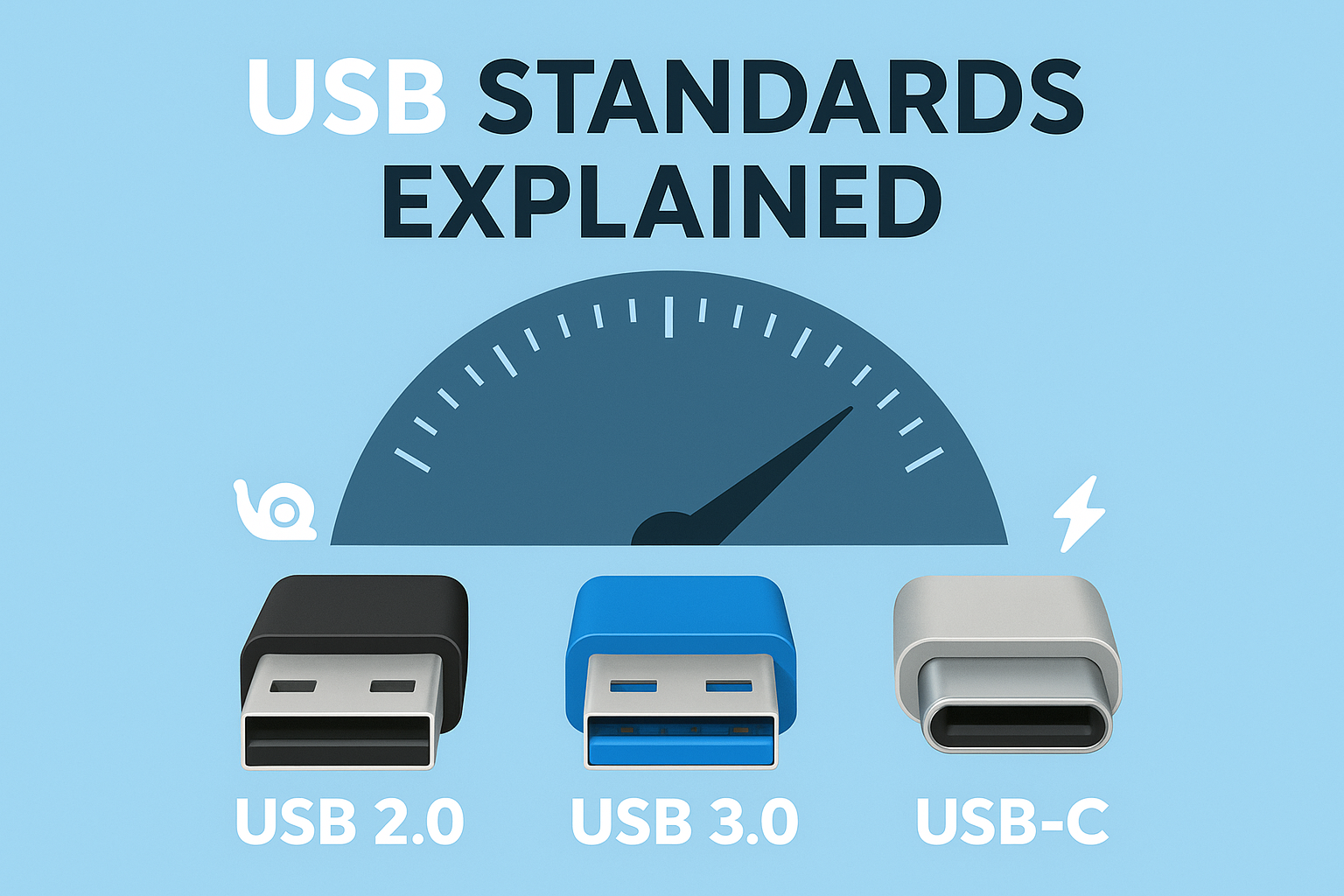
🔄 2. USB 3.0/USB-C Hubs
- Why It Helps: Older USB ports can bottleneck data transfer speeds. A modern USB 3.0 or USB-C hub ensures faster connections for external drives, printers, and other peripherals.
- Best For: Users who connect multiple devices at once.
- Pro Tip: Choose a hub with power delivery (PD) support to charge your laptop while using accessories.
❄️ 3. Laptop Cooling Pad
- Why It Helps: Overheating slows down performance and shortens the life of your laptop. A cooling pad improves airflow and helps maintain stable speeds during heavy use.
- Best For: Gamers, video editors, and anyone working long hours on a laptop.
- Pro Tip: Go for a cooling pad with adjustable height for added ergonomic benefits.
🖥️ 4. External GPU (eGPU) Enclosure
- Why It Helps: If your laptop or PC struggles with graphics-heavy tasks, an external GPU can supercharge performance without needing a full system upgrade.
- Best For: Gamers, 3D designers, video editors.
- Pro Tip: Make sure your laptop supports Thunderbolt 3/4 or USB4 for compatibility.
🔌 5. High-Speed Ethernet Adapter
- Why It Helps: Wi-Fi can be inconsistent, especially for gaming and video calls. A USB-to-Gigabit Ethernet adapter ensures faster, more stable internet speeds.
- Best For: Remote workers, streamers, and online gamers.
- Pro Tip: Look for adapters that support USB-C for modern laptops.
🎧 6. Performance-Optimized Peripherals
- Mechanical Keyboards: Faster response time and better durability.
- High-DPI Gaming Mice: Improves accuracy and reduces lag.
- External Monitors: Boost multitasking and productivity.
These don’t directly speed up your PC’s internals but improve overall efficiency and user experience.
🧹 7. External Storage for Backups & File Management
- Why It Helps: A cluttered drive slows down your PC. By offloading large files to an external HDD/SSD, you free up system resources.
- Best For: Professionals dealing with media files, students with project data.
- Pro Tip: Use an external drive with auto-backup software for hassle-free storage.
✅ Final Thoughts
Boosting your PC’s speed and performance doesn’t always mean upgrading internal parts. With the right external accessories—from SSDs and USB hubs to cooling pads and Ethernet adapters—you can enhance your computing experience instantly.
At KC Mart, we offer a wide range of performance-boosting accessories to keep your setup running smoothly and efficiently.
👉 [Browse Performance Accessories Now]