

A slow computer can be frustrating—whether you’re working, gaming, or streaming. While upgrading the internal hardware (...
Printers are one of the most essential devices for both home and office setups. Whether it’s for school projects, business invoices, or professional documents, choosing the right printer can save you time, money, and effort. With so many options available, it’s easy to get confused. To make it simple, we’ve put together a guide on how to choose the right printer for your needs.
Before buying a printer, ask yourself:
Your answers will help you decide between a basic printer or an all-in-one multifunction printer.

Check the pages per minute (PPM) rating.
Also, check the monthly duty cycle, which tells you how many pages a printer can handle per month without issues.
Modern printers come with multiple connectivity choices:
The purchase price of a printer is just the beginning. Always check:
Some brands offer ink tank printers that provide thousands of pages at very low cost per print—perfect for frequent users.
Choosing the right printer depends on your usage, budget, and long-term needs. For home, an inkjet or ink tank printer works best, while for business, a laser or multifunction printer offers better efficiency.
At KC Mart – Khariar’s Trusted Computer & Accessories Store, we provide a wide range of printers and accessories to suit every requirement—whether it’s for home, office, or professional use.
Share:
A slow computer can be frustrating—whether you’re working, gaming, or streaming. While upgrading the internal hardware (...
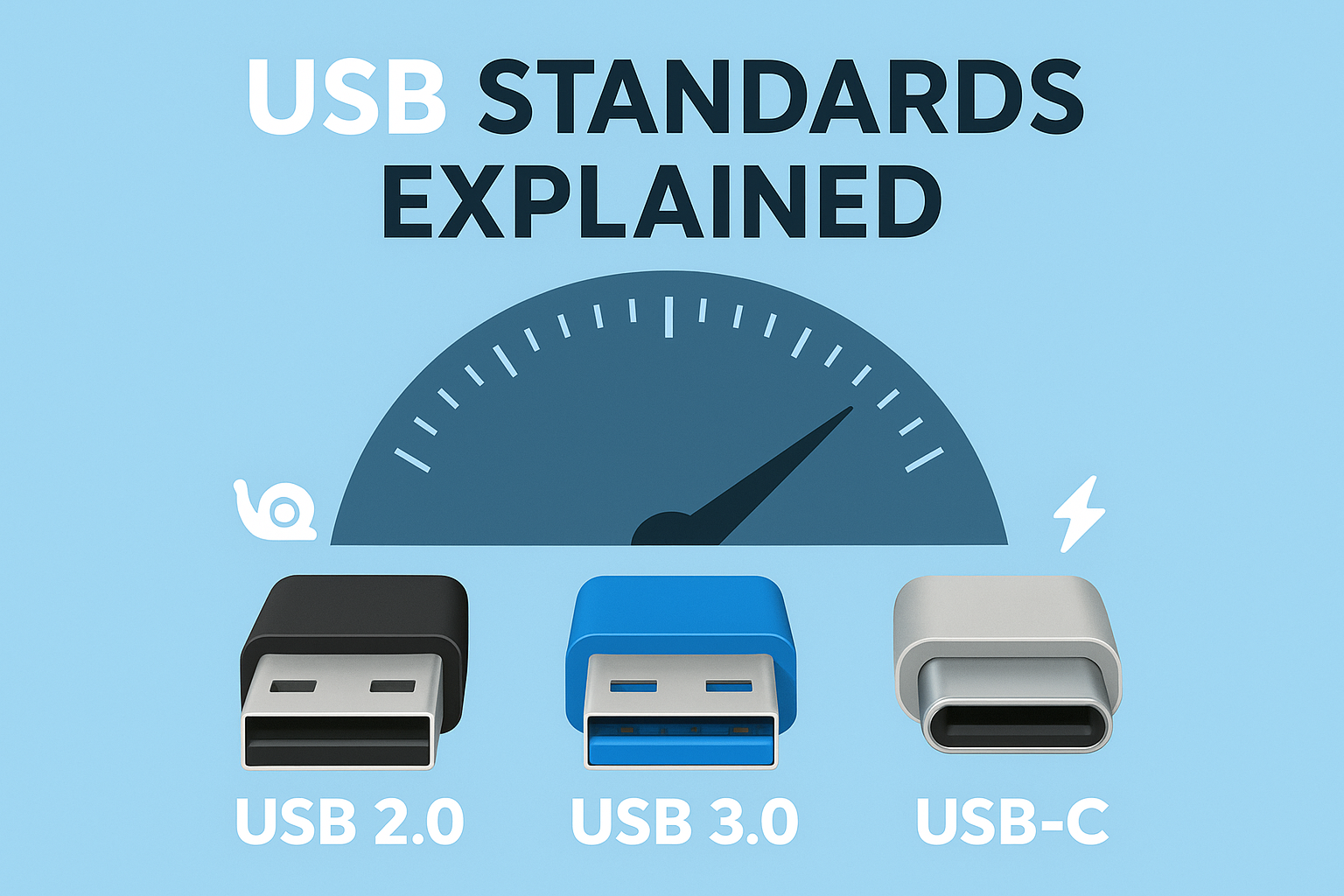
USB (Universal Serial Bus) is a standard for cables and connectors used to transfer data and power between computers, sm...
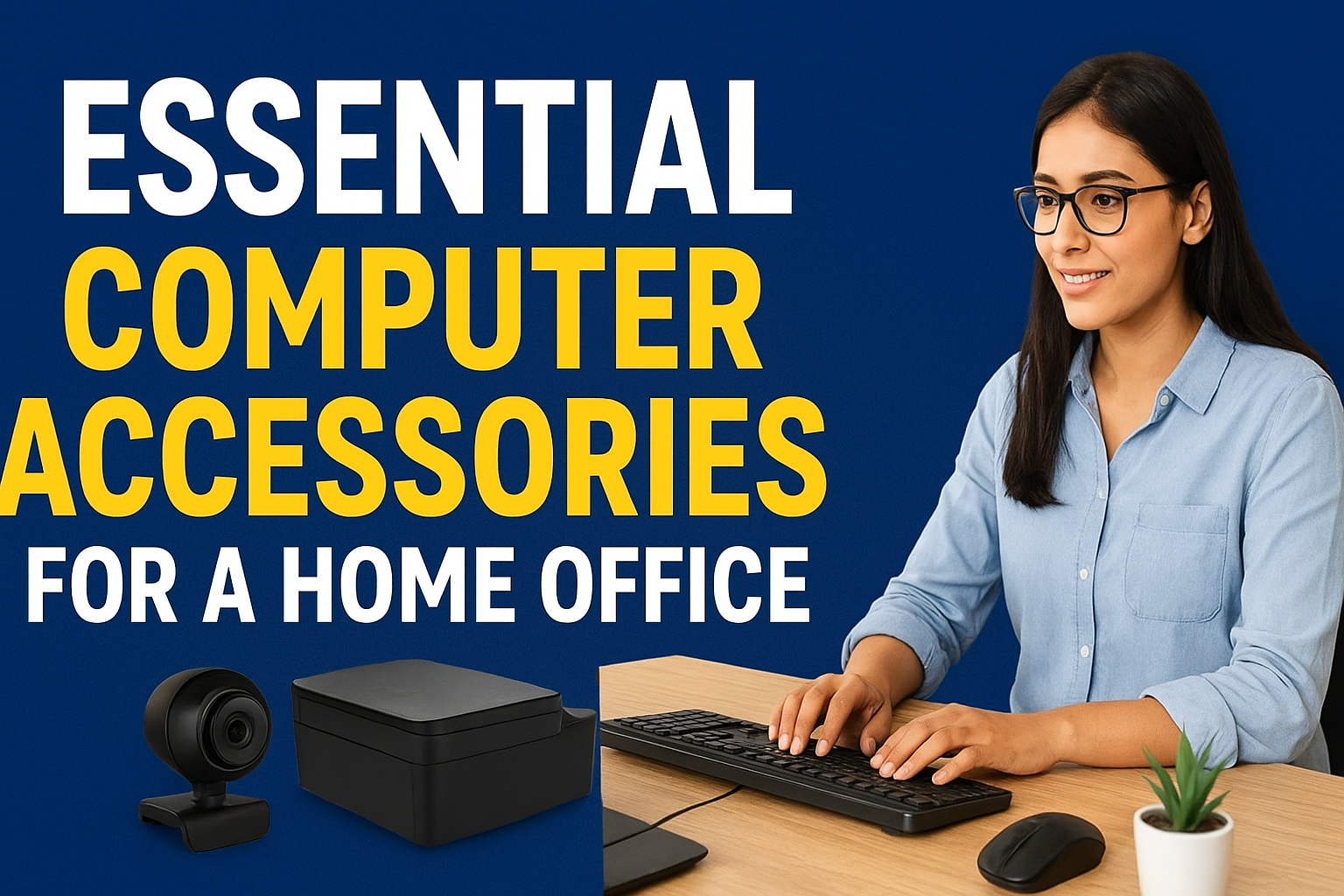
Working from home has become the new normal for many professionals, students, and entrepreneurs. While having a reliable...